Slash commands let you run actions without leaving the chat composer. Available
commands vary based on your environment and access.
Use a slash command
- In the chat composer, type
/.
- Select a command from the list, or keep typing to filter (for example,
/status).
You can also explicitly invoke skills by typing $ in the chat composer. See
Skills & Plugins.
Enabled skills also appear in the slash command list. Custom prompts appear as
/prompts:<name> commands.
Available slash commands
Set or manage a goal with /goal
Use /goal in the app composer to start Goal mode. A goal is a persistent
objective that ZeroTwo works toward until it finishes the task, pauses, or needs
more input. To define the goal with ZeroTwo first, start with /plan, then set
the refined goal with /goal.
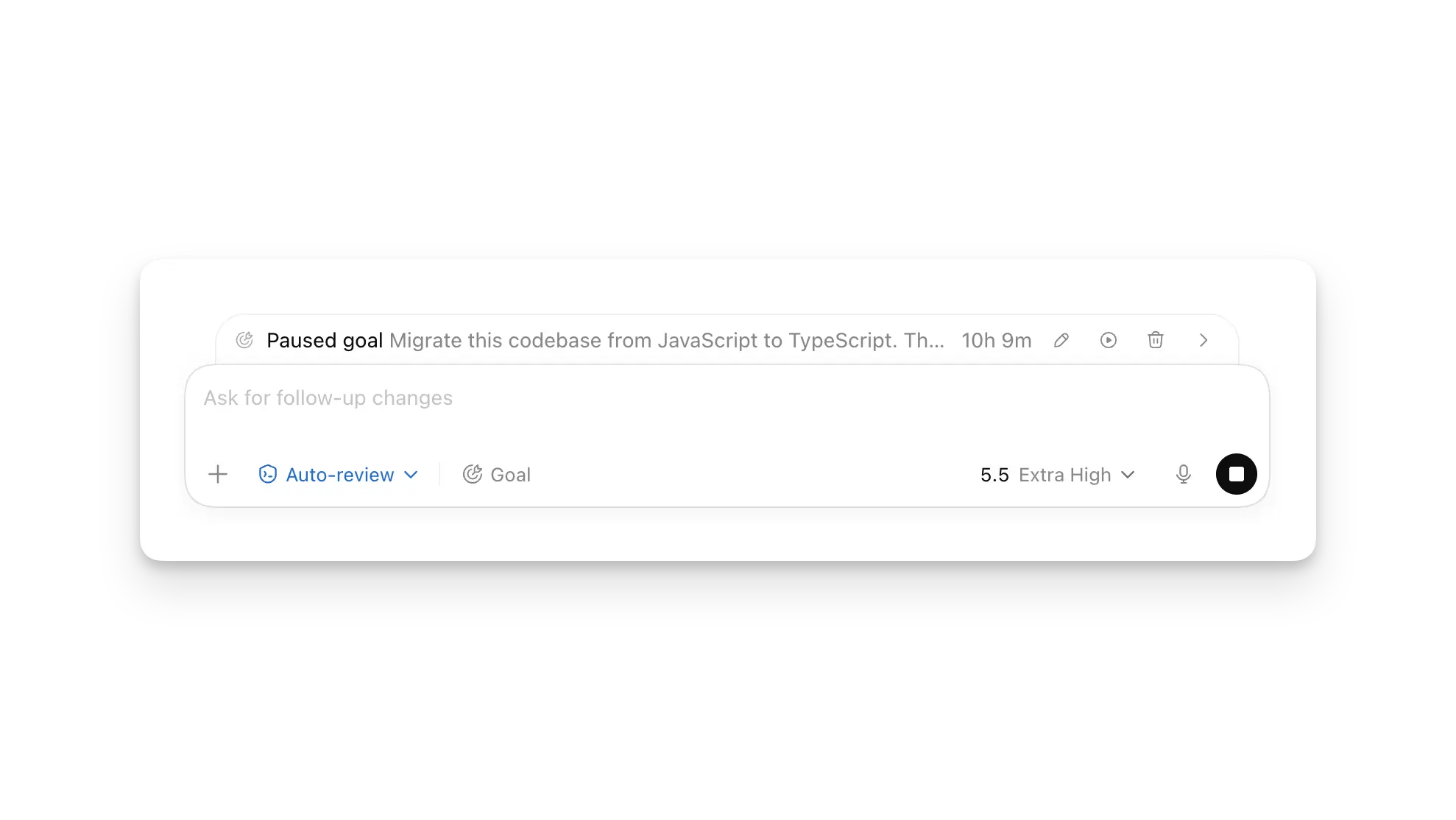
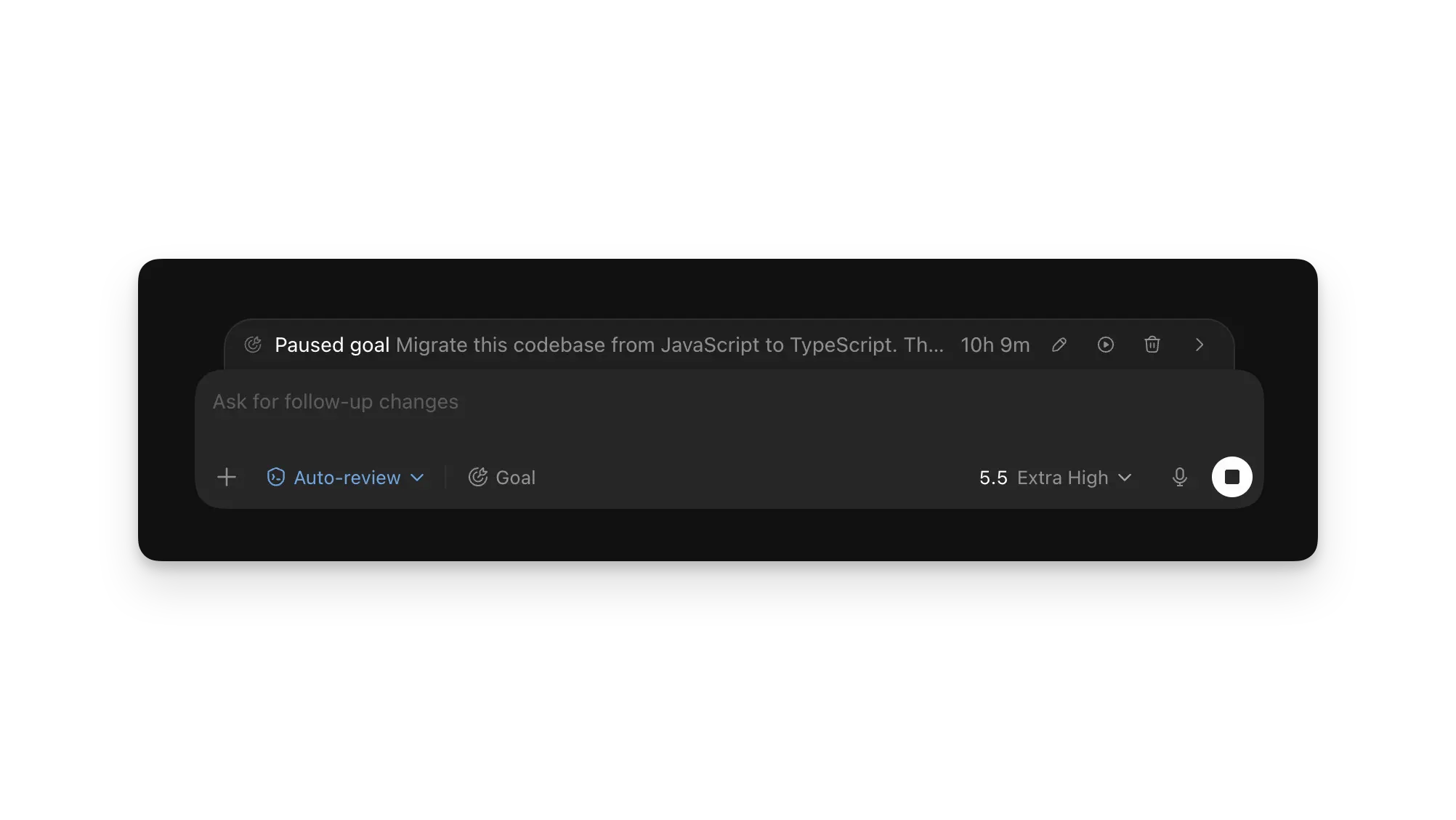
When a goal is active, the app shows its progress above the composer. Use the
buttons in that progress row to pause or resume the goal, edit the goal text, or
clear the goal instead of typing another slash command. You can keep steering
ZeroTwo with follow-up messages while the goal runs.
For guidance on writing effective goals, see Goal mode. Last modified on August 30, 2026