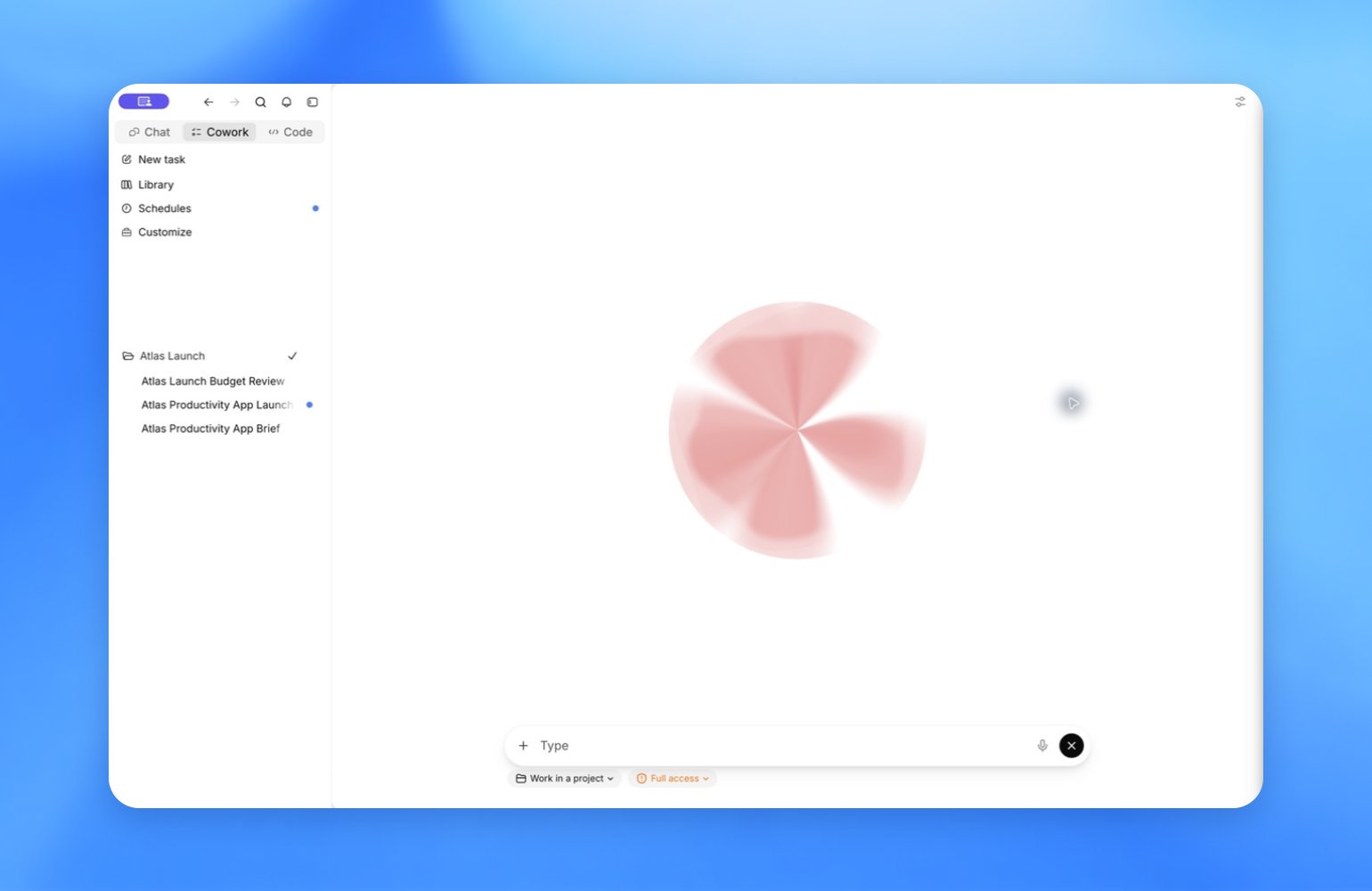
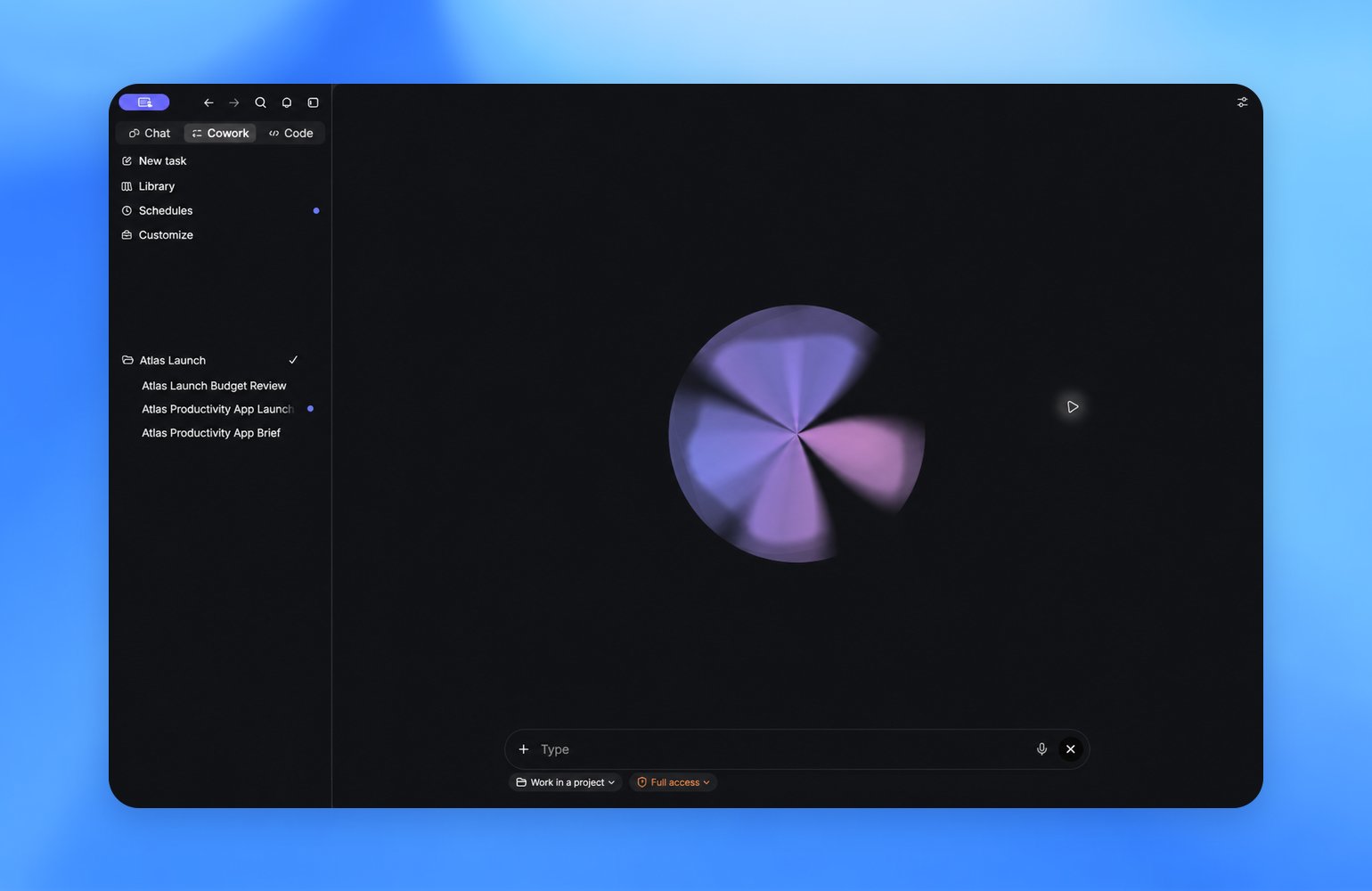
Powered by GPT-Live, ZeroTwo Voice lets you talk through ideas and coordinate
tasks in Chat, Work, and ZeroCode in the ZeroTwo desktop app. Start work, check
progress, or change direction without switching back to typing.
ZeroTwo Voice is available in the ZeroTwo desktop app with ZeroTwo Plus,
Pro, Business, Edu, and Enterprise plans. Enterprise and Edu availability
begins with a two-week early-access period before the feature becomes available
by default. You can also use ZeroTwo Voice through
Remote on iOS after pairing
your phone with a desktop host. Availability also depends on rollout status and
workspace settings. See feature availability.
Start talking
- Open a new, empty chat or task in the ZeroTwo desktop app.
- Select Start new voice chat before sending a message.
- The first time you start a voice chat, allow microphone access, choose a
voice, and review screen context on macOS.
- Start talking. Select End when you finish.
A chat or task must begin in voice mode to use ZeroTwo Voice. Chats or tasks that
start in another mode offer voice dictation instead. To resume an earlier voice
chat, open it and select Start voice chat.
You can set a shortcut in Settings > Voice > Voice chat hotkey.
Have a conversation
ZeroTwo Voice supports natural turn-taking. You can interrupt ZeroTwo
during a response, ask a follow-up, or change direction. If ZeroTwo starts work,
keep talking to check progress or steer the task.
Delegate and coordinate work
ZeroTwo Voice can start separate threads for longer tasks, check existing threads,
and send follow-up instructions. It brings progress, blockers, and results back
to your voice conversation so you can keep talking while work continues.
For example:
- “Review today’s launch brief and summarize decisions that need approval.”
- “Start a ZeroCode task to run the tests and investigate anything that doesn’t pass.”
- “Check active tasks and summarize anything blocking progress.”
ZeroTwo Voice follows the same permissions as
the tasks it directs in Chat, Work, and ZeroCode in the ZeroTwo desktop app.
Show ZeroTwo what you see
On macOS, turn on Screen context in Settings > Voice, then say, “Take a
look at this.” ZeroTwo can take an
appshot of your frontmost window and
use it as context. Your organization can disable this capability.
An appshot can include the window’s image and accessible text, including content
outside the visible scroll area. macOS may request Screen & System Audio
Recording and Accessibility permissions. Avoid sharing windows that
contain sensitive information, including text outside the visible scroll area.
ZeroTwo Voice and voice dictation
Use ZeroTwo Voice for a live conversation with ZeroTwo. Use voice
dictation when you only want to turn
speech into prompt text before sending it.
Limits and troubleshooting
Only one voice chat can be active across the ZeroTwo desktop app at a time.
Voice conversations use a separate, plan-dependent allowance measured in rolling
five-hour windows. Tasks started through Voice continue to use your ZeroCode usage
budget. ZeroTwo notifies you when you reach either limit. See Voice pricing and
limits.
If you can’t start a voice chat, confirm that ZeroTwo Voice is available for your
plan, rollout, and workspace. Then check microphone permissions and whether a
voice chat is already active in another app window. If screen context isn’t
available, check Settings > Voice, Appshots permissions, and your
organization’s restrictions. Last modified on August 30, 2026