

- Local: work directly in your current project directory.
- Worktree: isolate changes in a Git worktree. Learn more.
- Cloud: run remotely in a configured cloud environment.
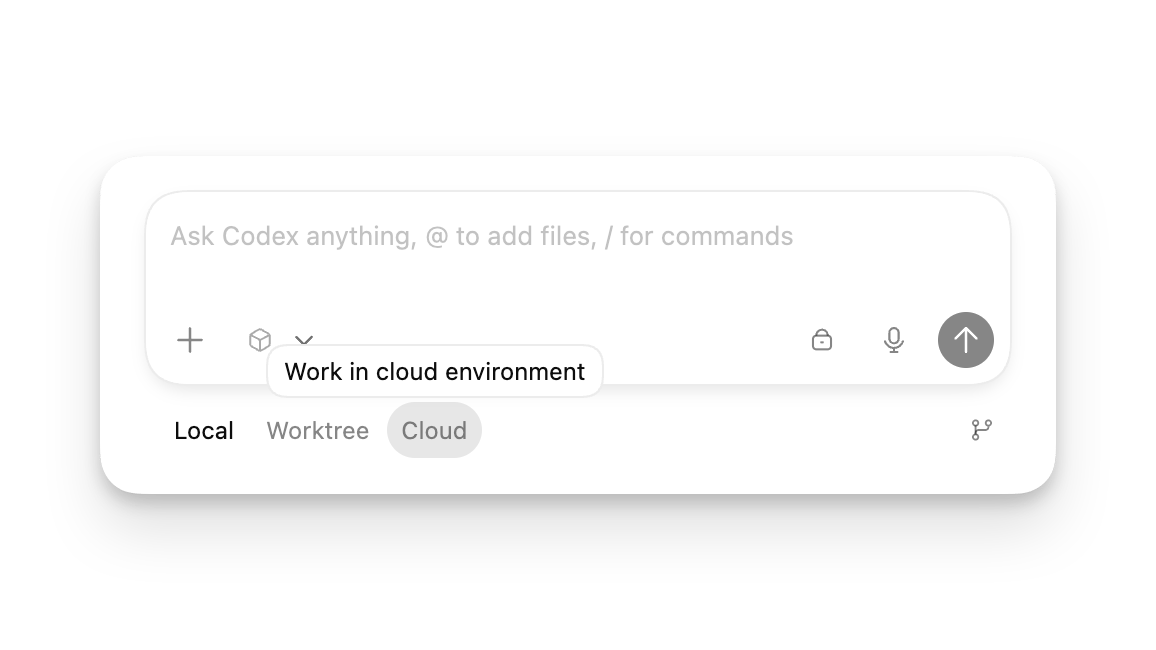
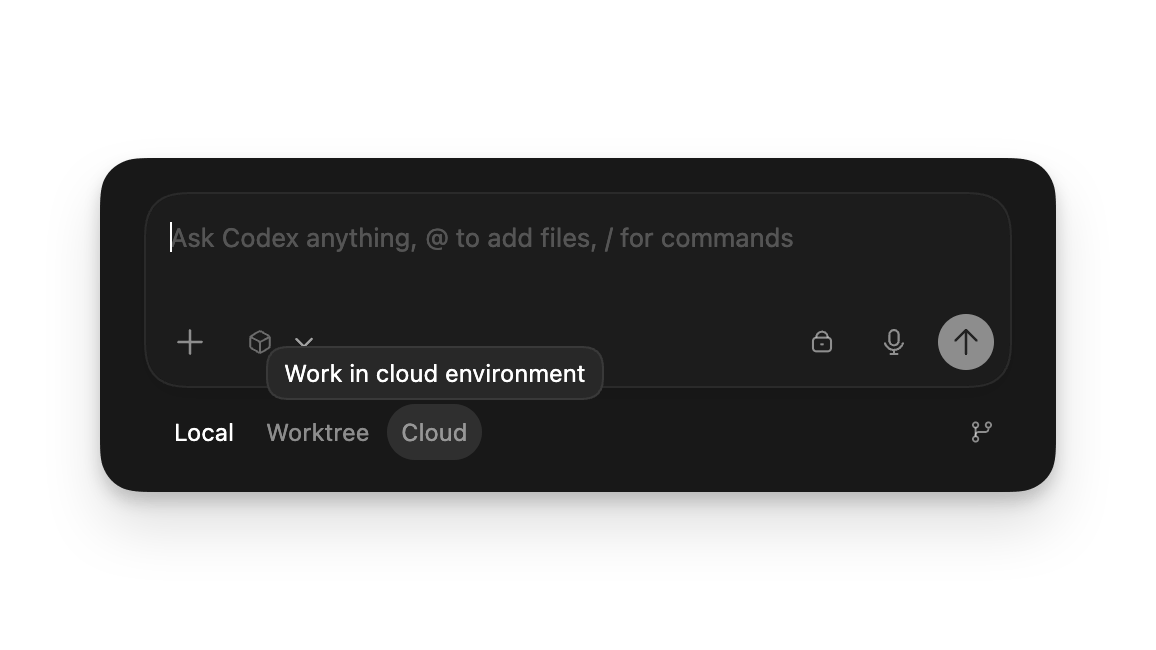
Choose where a ZeroCode chat runs in the desktop app: Local on your files, a Git worktree, or an isolated cloud environment.