

Where to manage agents
Open Customize → Agents in ZeroTwo to browse specialized agents ZeroTwo can spawn:- Installed — agents available to your account
- Personal / Plugin / System — filter by source
- Explore — discover agents from plugins you can install
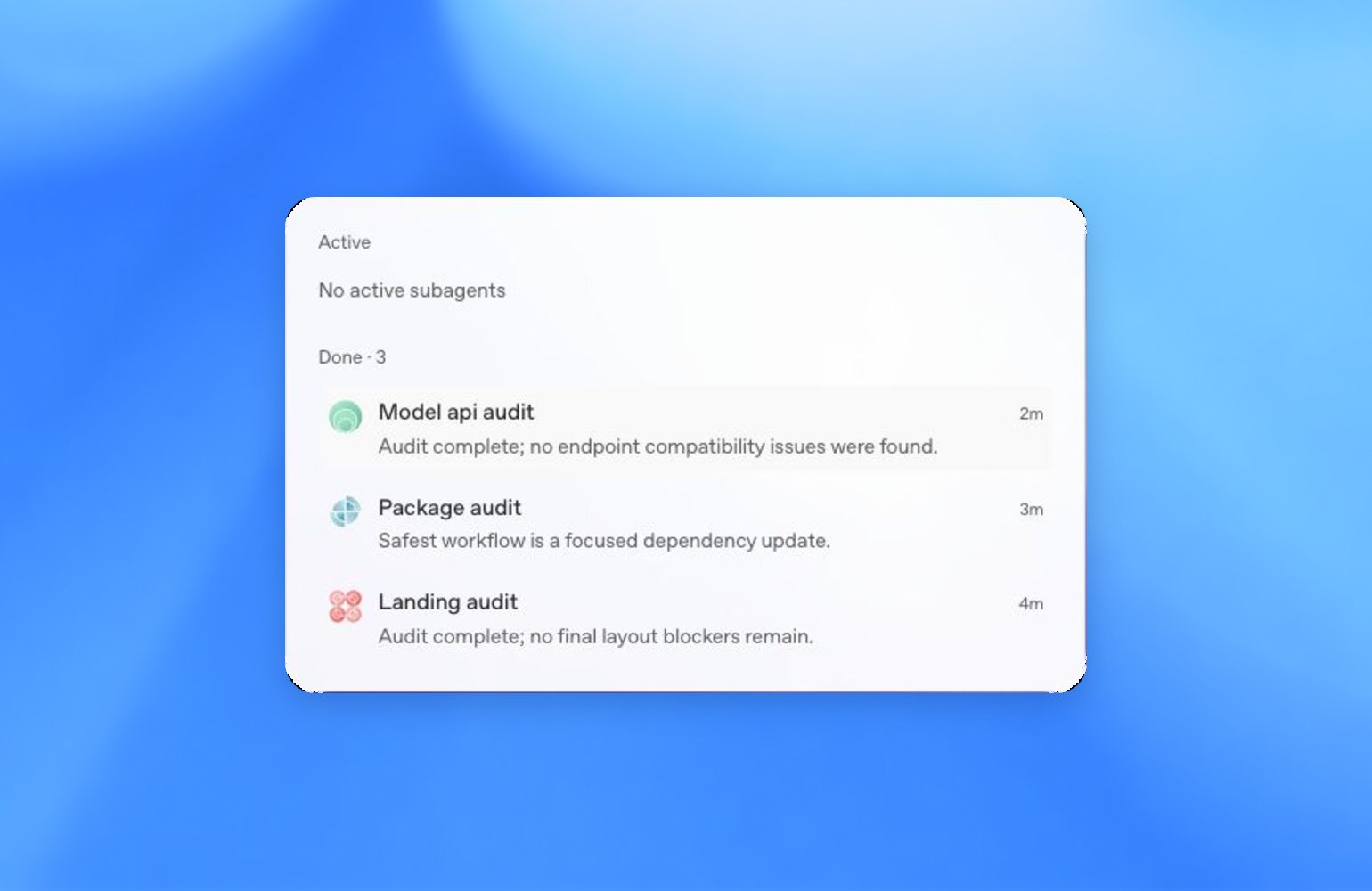
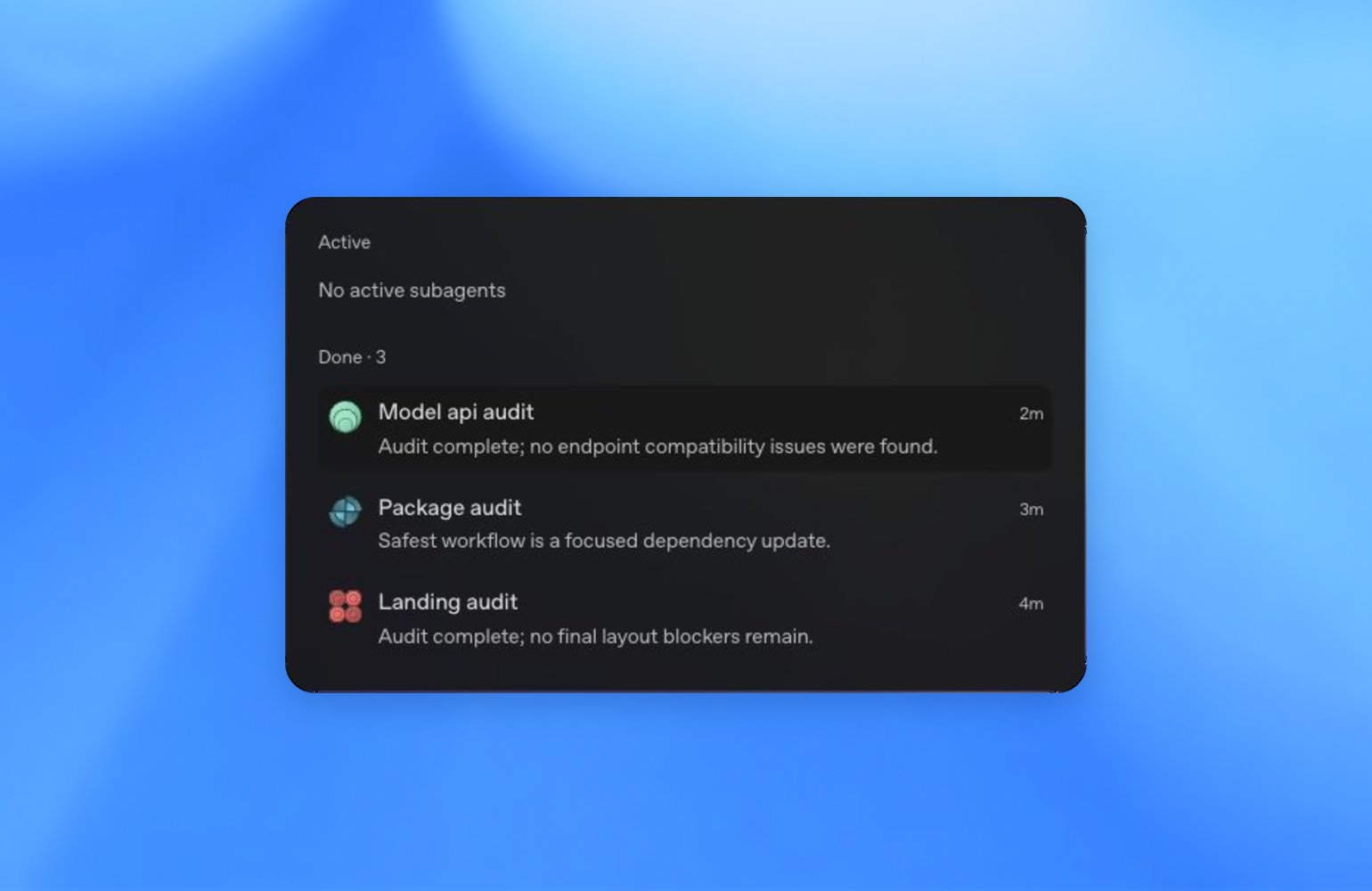
How subagents show up in a run
When the main agent delegates work:- ZeroTwo starts one or more subagent runs.
- Activity appears in the Work / Code panel and as viewer tabs you can open.
- Each subagent reports progress, findings, or failure back to the main thread.
- The main agent synthesizes those results into the final response.


Settings that affect subagents
In Settings → Advanced (and related desktop settings):
Desktop permission mode and sandbox settings still apply to tools subagents use. See Permissions and Sandboxing.
Why use subagents
Even with large context windows, dumping every exploration note, test log, and stack trace into the main chat can hurt quality over time. Subagents help by:- Keeping the main agent focused on requirements and final outputs
- Running specialized work in parallel
- Returning summaries instead of raw intermediate noise
Project guidance for delegation
UseAGENTS.md (or ZEROTWO.md) to tell ZeroTwo when to delegate — for example, “explore each package with a subagent before proposing an architecture change.”
Skills and plugins can also define agents ZeroTwo may spawn. See Skills and plugins and Build plugins.