> ## Documentation Index
> Fetch the complete documentation index at: https://docs.zerotwo.ai/llms.txt
> Use this file to discover all available pages before exploring further.
# ZeroTwo on the web
## Research, analyze, and create in your browser
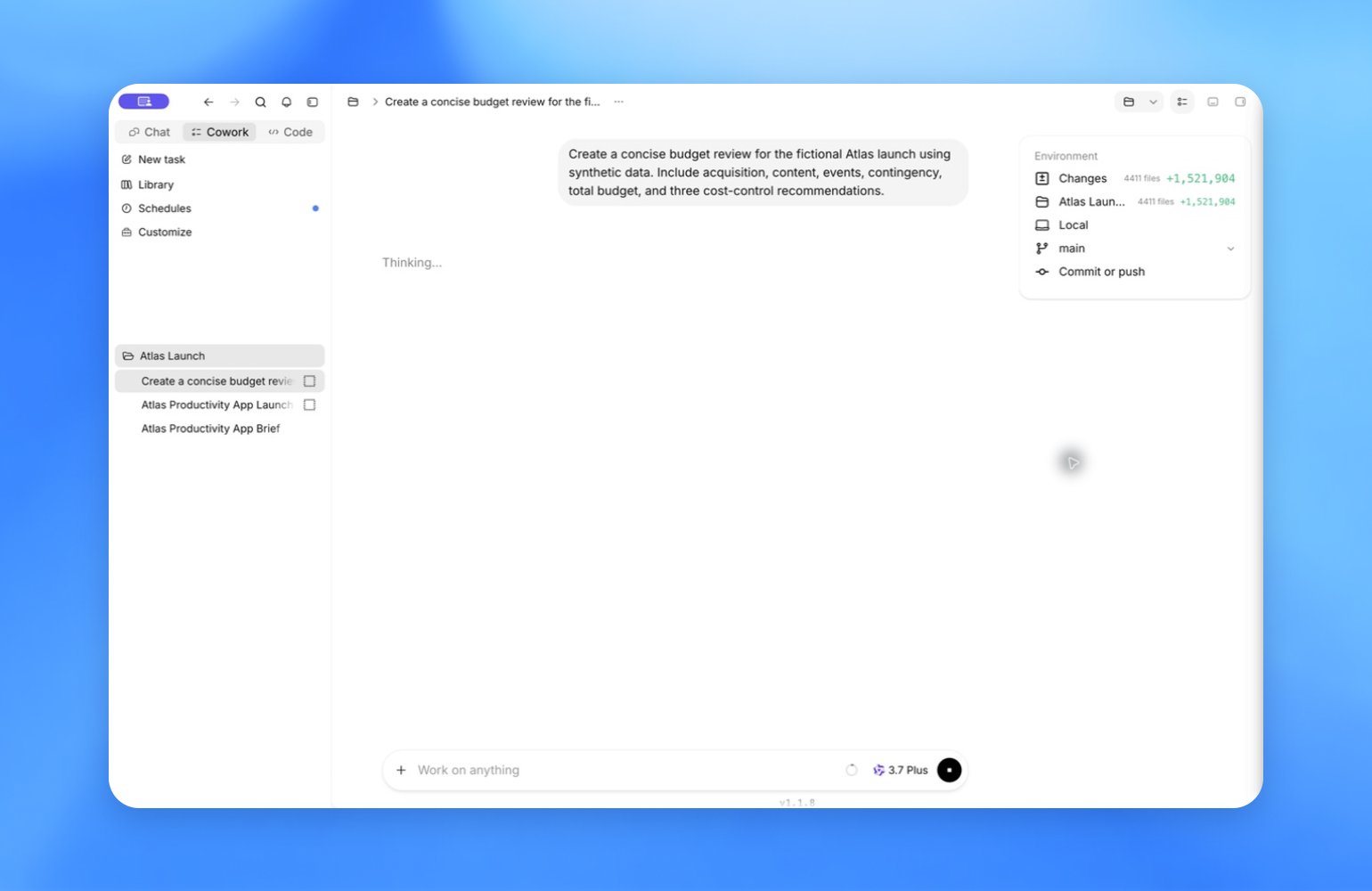
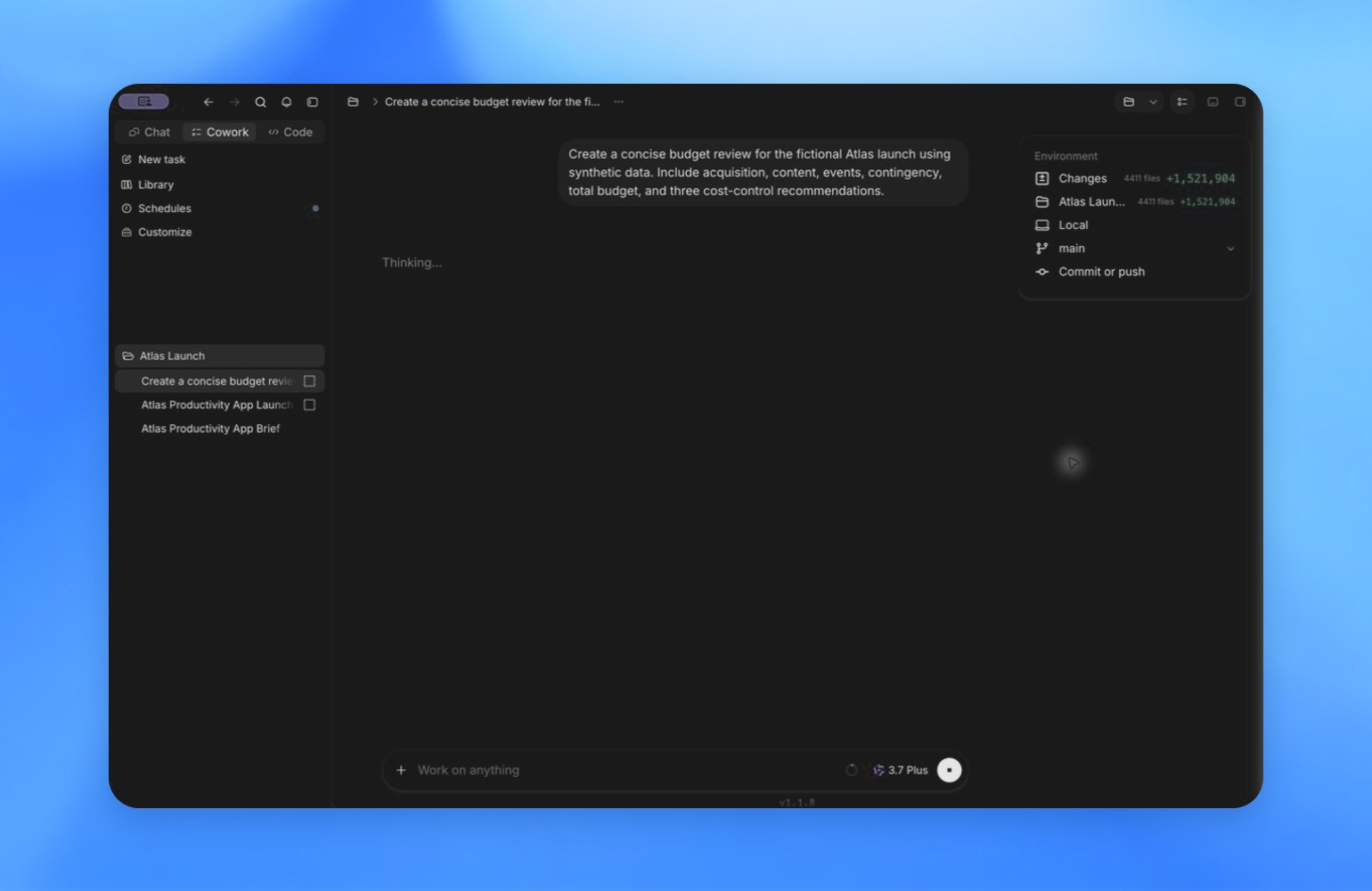
Ask a question, research a topic, or describe a multi-step task. ZeroTwo can use your files and connected tools to create documents, presentations, spreadsheets, and other outputs.
 ### Start here
* [Open ZeroTwo](https://zerotwo.ai)
* [Web quickstart](#getting-started)
### Why use ZeroTwo on the web
* **Start with a clear task:** Give ZeroTwo a goal and the context it needs, then refine the result through follow-up messages.
* **Use your files and tools:** Use files, projects, and plugins to give ZeroTwo the information and tools the task requires.
* **Create files you can share:** Turn research and analysis into documents, presentations, spreadsheets, and other finished work.
## Getting started
**Get started on the web.**
Open ZeroTwo, choose how you want to work, and give it a clear outcome plus the context it needs.
### 1. Open ZeroTwo and sign in
Go to [zerotwo.ai](https://zerotwo.ai) and sign in with your ZeroTwo account.
### 2. Select Work
Select **Work** for research, analysis, documents, spreadsheets, presentations, Sites, and other multi-step tasks. For an answer or conversation, select **Chat**.
[Learn how to use ZeroTwo](/use-zerotwo)
### 3. Start a chat or choose a project
Use a chat for a one-off task. Use a project to keep related chats, files, and instructions together as your work continues.
[Learn about chats and projects](/projects)
### 4. Send your first message
Describe the result you want and add any files or context ZeroTwo needs. You can refine the result with follow-up messages.
[Explore example use cases](https://zerotwo.ai)
### Next steps
## See what you can do on the web
Use Chat for quick answers, or use Work with your files, plugins, and reasoning settings for multi-step tasks.
### Start here
* [Open ZeroTwo](https://zerotwo.ai)
* [Web quickstart](#getting-started)
### Why use ZeroTwo on the web
* **Start with a clear task:** Give ZeroTwo a goal and the context it needs, then refine the result through follow-up messages.
* **Use your files and tools:** Use files, projects, and plugins to give ZeroTwo the information and tools the task requires.
* **Create files you can share:** Turn research and analysis into documents, presentations, spreadsheets, and other finished work.
## Getting started
**Get started on the web.**
Open ZeroTwo, choose how you want to work, and give it a clear outcome plus the context it needs.
### 1. Open ZeroTwo and sign in
Go to [zerotwo.ai](https://zerotwo.ai) and sign in with your ZeroTwo account.
### 2. Select Work
Select **Work** for research, analysis, documents, spreadsheets, presentations, Sites, and other multi-step tasks. For an answer or conversation, select **Chat**.
[Learn how to use ZeroTwo](/use-zerotwo)
### 3. Start a chat or choose a project
Use a chat for a one-off task. Use a project to keep related chats, files, and instructions together as your work continues.
[Learn about chats and projects](/projects)
### 4. Send your first message
Describe the result you want and add any files or context ZeroTwo needs. You can refine the result with follow-up messages.
[Explore example use cases](https://zerotwo.ai)
### Next steps
## See what you can do on the web
Use Chat for quick answers, or use Work with your files, plugins, and reasoning settings for multi-step tasks.

 * [Choose Chat or Work](/use-zerotwo): Use Chat to explore a question or shape an idea. Switch to Work when you have a clear outcome and want ZeroTwo to plan, gather context, and carry a larger task through to a reviewable result.
* [Choose the right model and reasoning](/models): Select a model and reasoning level from the composer. Start with the default effort, then increase it when a task needs deeper planning, analysis, or a larger multi-agent run.
* [Bring in tools and repeatable workflows](/skills-and-plugins): Install plugins to connect services such as Google Drive, GitHub, or Slack. Add skills when ZeroTwo should follow a specific workflow, use team guidance, or produce work in a consistent way.
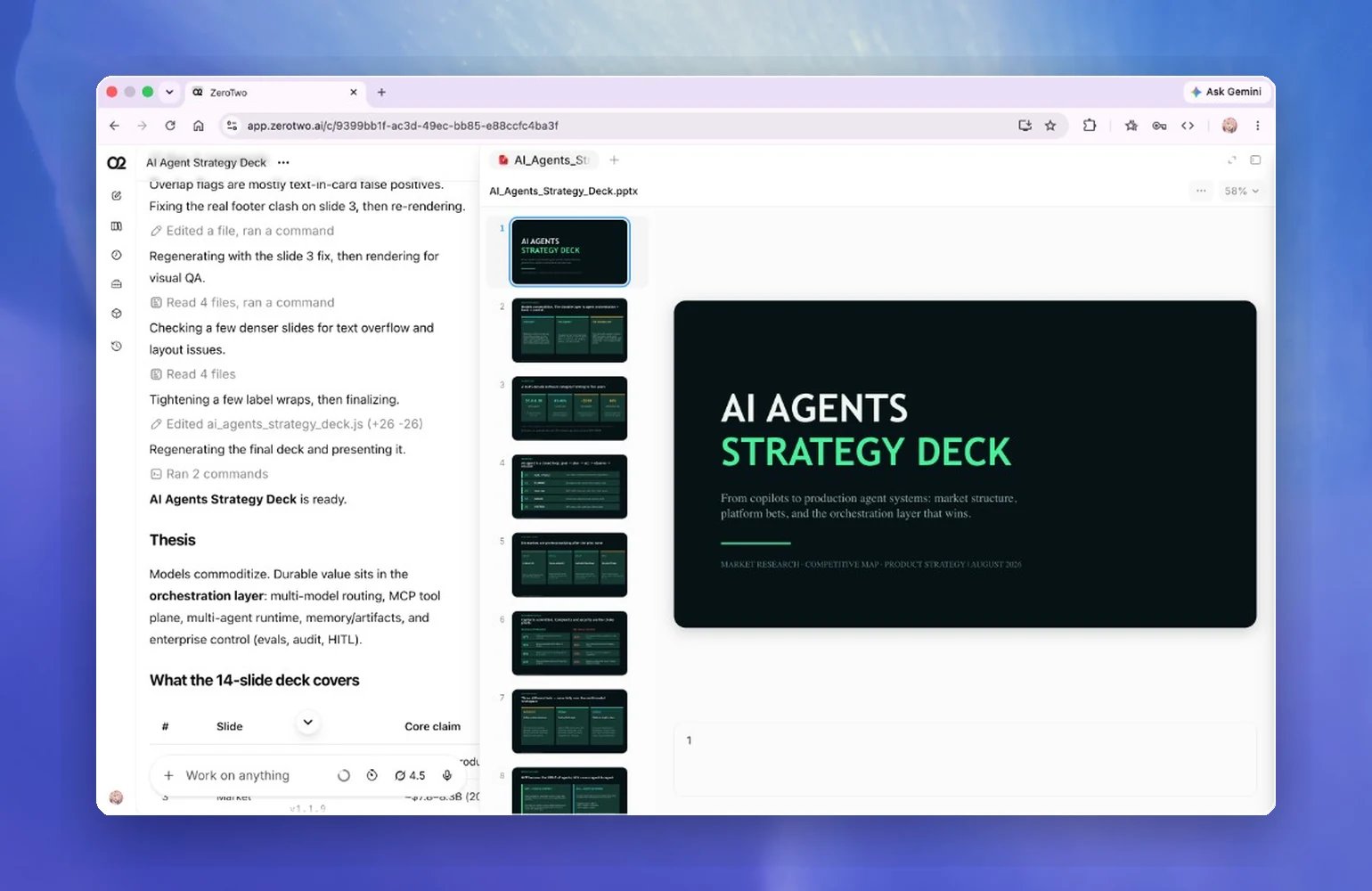
* [Create and refine finished files](/artifacts-viewer): Use ZeroTwo Work to create a document, presentation, spreadsheet, or PDF from your source material. Review the result in the chat, request focused revisions, and download the finished file when it is ready.
* [Choose Chat or Work](/use-zerotwo): Use Chat to explore a question or shape an idea. Switch to Work when you have a clear outcome and want ZeroTwo to plan, gather context, and carry a larger task through to a reviewable result.
* [Choose the right model and reasoning](/models): Select a model and reasoning level from the composer. Start with the default effort, then increase it when a task needs deeper planning, analysis, or a larger multi-agent run.
* [Bring in tools and repeatable workflows](/skills-and-plugins): Install plugins to connect services such as Google Drive, GitHub, or Slack. Add skills when ZeroTwo should follow a specific workflow, use team guidance, or produce work in a consistent way.
* [Create and refine finished files](/artifacts-viewer): Use ZeroTwo Work to create a document, presentation, spreadsheet, or PDF from your source material. Review the result in the chat, request focused revisions, and download the finished file when it is ready.
 ## Use ZeroTwo on the web when…
* [You need to complete a multi-step task](#getting-started): ZeroTwo Work can plan the task, gather context, and keep multiple steps moving toward a clear result.
* [The task needs deeper reasoning](/models): Choose a stronger model or increase reasoning effort for complex planning and analysis.
* [The work depends on your tools and context](/skills-and-plugins): Use plugins and skills to bring in connected sources, take action, and follow repeatable workflows.
* [You need a file you can review and share](/artifacts-viewer): Turn source material into a document, presentation, spreadsheet, or PDF, then refine it through feedback.
## Use ZeroTwo on the web when…
* [You need to complete a multi-step task](#getting-started): ZeroTwo Work can plan the task, gather context, and keep multiple steps moving toward a clear result.
* [The task needs deeper reasoning](/models): Choose a stronger model or increase reasoning effort for complex planning and analysis.
* [The work depends on your tools and context](/skills-and-plugins): Use plugins and skills to bring in connected sources, take action, and follow repeatable workflows.
* [You need a file you can review and share](/artifacts-viewer): Turn source material into a document, presentation, spreadsheet, or PDF, then refine it through feedback.