> ## Documentation Index
> Fetch the complete documentation index at: https://docs.zerotwo.ai/llms.txt
> Use this file to discover all available pages before exploring further.

# Features

<div className="chatgpt-docs-hero not-prose">
  <div className="chatgpt-docs-hero-copy">
    <h1 className="chatgpt-docs-title">Features</h1>
    <p className="chatgpt-docs-lede">Explore workflows, capabilities, commands, and settings for working in ZeroTwo.</p>

    <div className="chatgpt-cta-row">
      <a className="chatgpt-cta-primary" href="/projects">
        Explore projects and chats →
      </a>
    </div>
  </div>

  <div className="chatgpt-docs-hero-media">
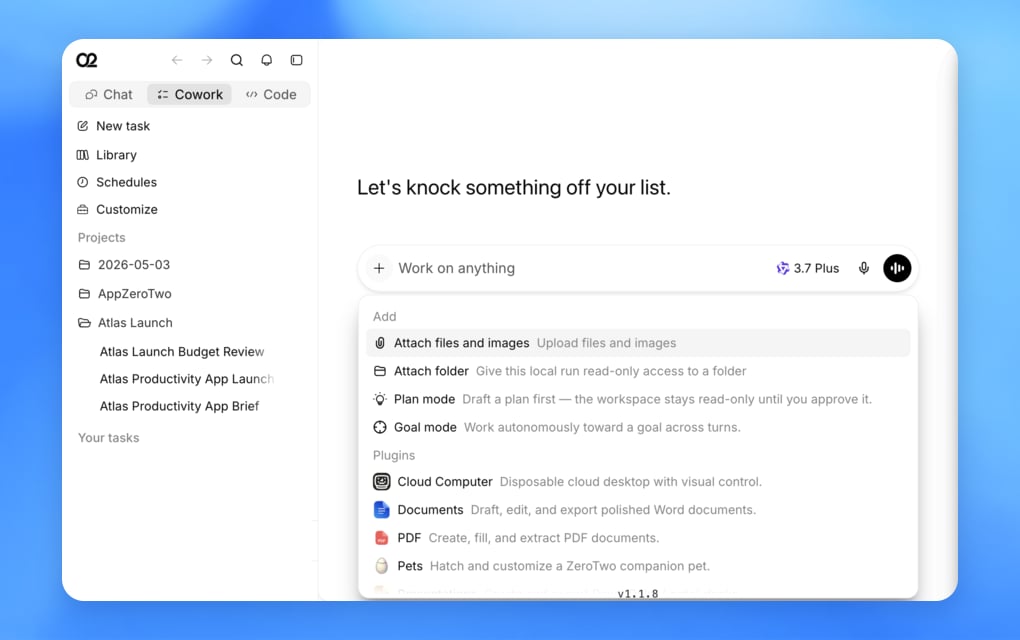
    <img className="block dark:hidden" src="https://mintcdn.com/zerotwo/ZBhLkrISRhtFImug/images/features/hero-light.webp?fit=max&auto=format&n=ZBhLkrISRhtFImug&q=85&s=7e6a2df12eb7409f0106bf8c57dde54a" alt="ZeroTwo Cowork sidebar and Add menu with files, modes, and plugins" width="1020" height="640" data-path="images/features/hero-light.webp" />

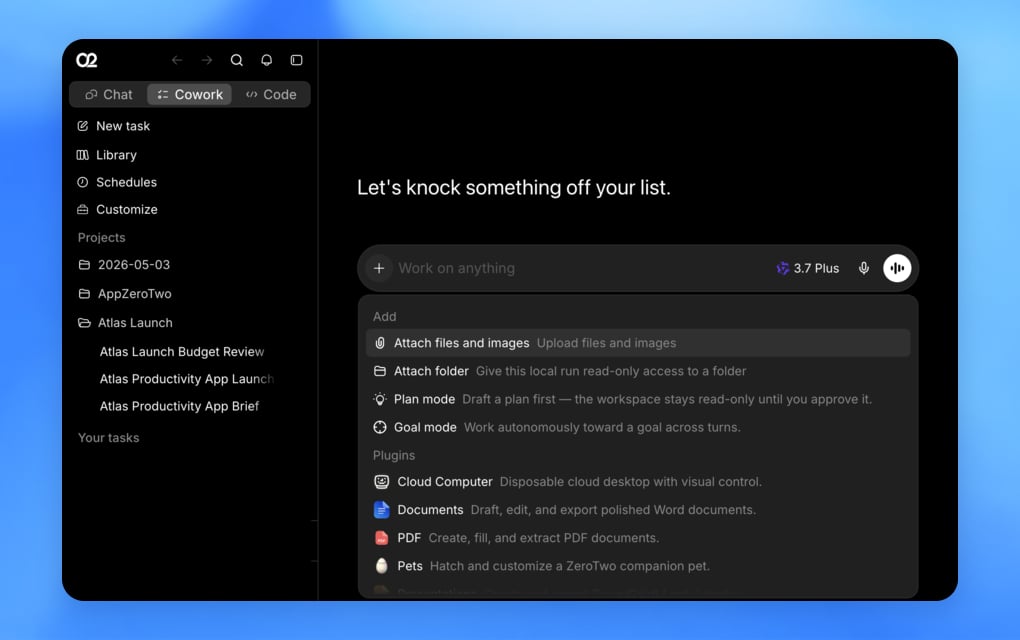
    <img className="hidden dark:block" src="https://mintcdn.com/zerotwo/ZBhLkrISRhtFImug/images/features/hero-dark.webp?fit=max&auto=format&n=ZBhLkrISRhtFImug&q=85&s=8dcfeb2ad117381f8a66d19efb8ba6d3" alt="ZeroTwo Cowork sidebar and Add menu with files, modes, and plugins" width="1020" height="640" data-path="images/features/hero-dark.webp" />
  </div>
</div>

<p className="chatgpt-docs-intro">ZeroTwo brings projects and long-running chats together with web browsing, files, images, Sites, and plugins. Commands, settings, and troubleshooting references round out these workflows.</p>

<div className="chatgpt-docs-groups not-prose">
  <a className="chatgpt-docs-group" href="/projects">
    <span className="chatgpt-docs-group-copy">
      <span className="chatgpt-docs-group-title">Workflows</span>
      <span className="chatgpt-docs-group-body">Ways to organize, delegate, and review work — including Sites, automations, code review, and the integrated terminal.</span>
    </span>

    <span className="chatgpt-docs-group-chevron" aria-hidden="true">→</span>
  </a>

  <a className="chatgpt-docs-group" href="/browser">
    <span className="chatgpt-docs-group-copy">
      <span className="chatgpt-docs-group-title">Capabilities</span>
      <span className="chatgpt-docs-group-body">Tools ZeroTwo can use to understand, create, and take action.</span>
    </span>

    <span className="chatgpt-docs-group-chevron" aria-hidden="true">→</span>
  </a>

  <a className="chatgpt-docs-group" href="/reference/commands">
    <span className="chatgpt-docs-group-copy">
      <span className="chatgpt-docs-group-title">Reference</span>
      <span className="chatgpt-docs-group-body">Find commands and settings for the ZeroTwo desktop app.</span>
    </span>

    <span className="chatgpt-docs-group-chevron" aria-hidden="true">→</span>
  </a>
</div>