> ## Documentation Index
> Fetch the complete documentation index at: https://docs.zerotwo.ai/llms.txt
> Use this file to discover all available pages before exploring further.
# Build plugins
To build or submit a plugin, use the complete
[builder documentation on developers.zerotwo.ai](https://developers.zerotwo.ai/plugins).
[Build and submit a plugin](/plugins)
This page provides a brief introduction. A plugin is an installable package
that can include skills, an MCP server, or both. An MCP server can also return
optional UI.
ZeroTwo and ZeroCode share one universal plugin directory. Publish a public plugin
once to make the same listing discoverable from supported surfaces in both
products. During development, use a local marketplace to test the package
before submitting it to the universal directory.
Start with a skill when you are still iterating on one personal workflow.
Build a plugin when you want to share that workflow, package related skills,
connect to an external service, or distribute a stable capability to a team.
## Create a plugin with `@plugin-creator`
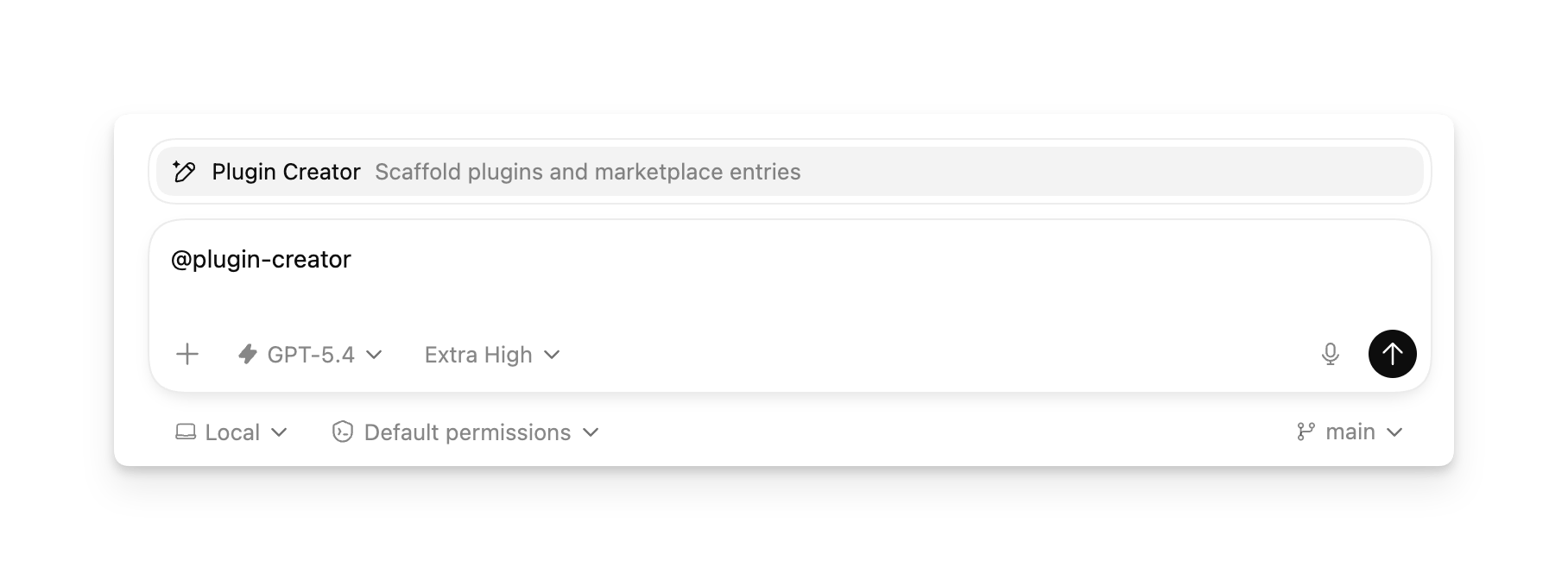
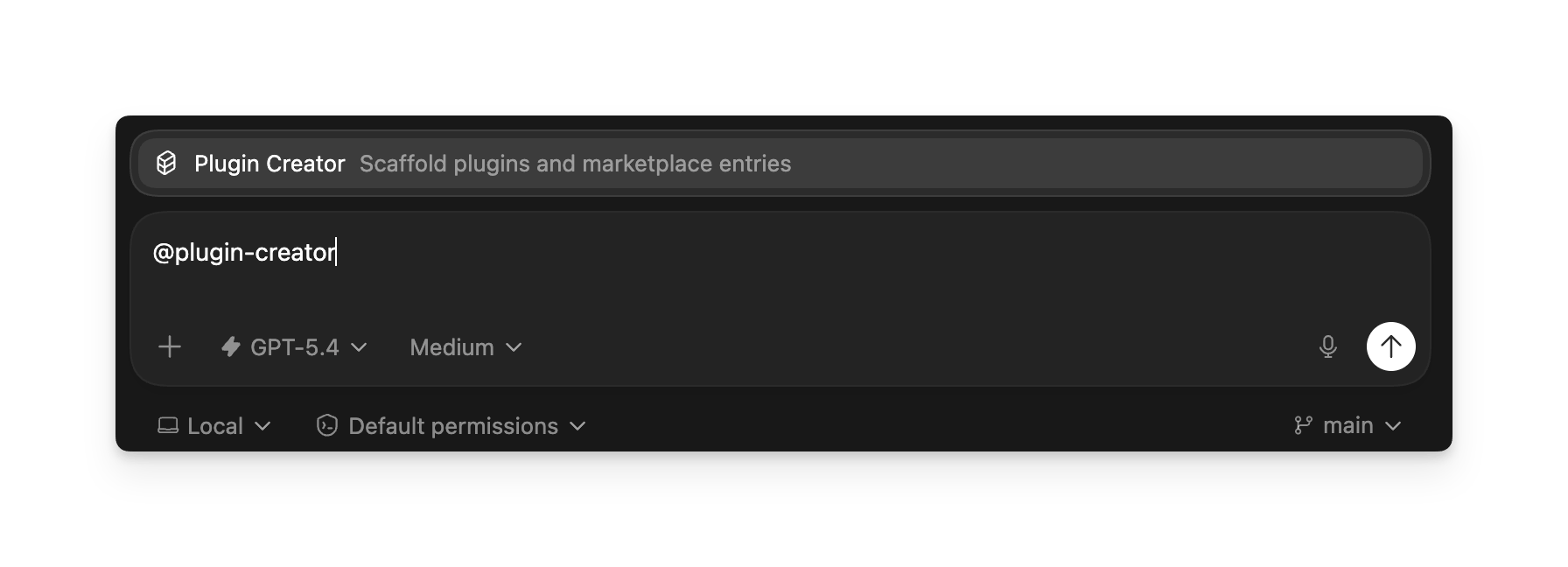
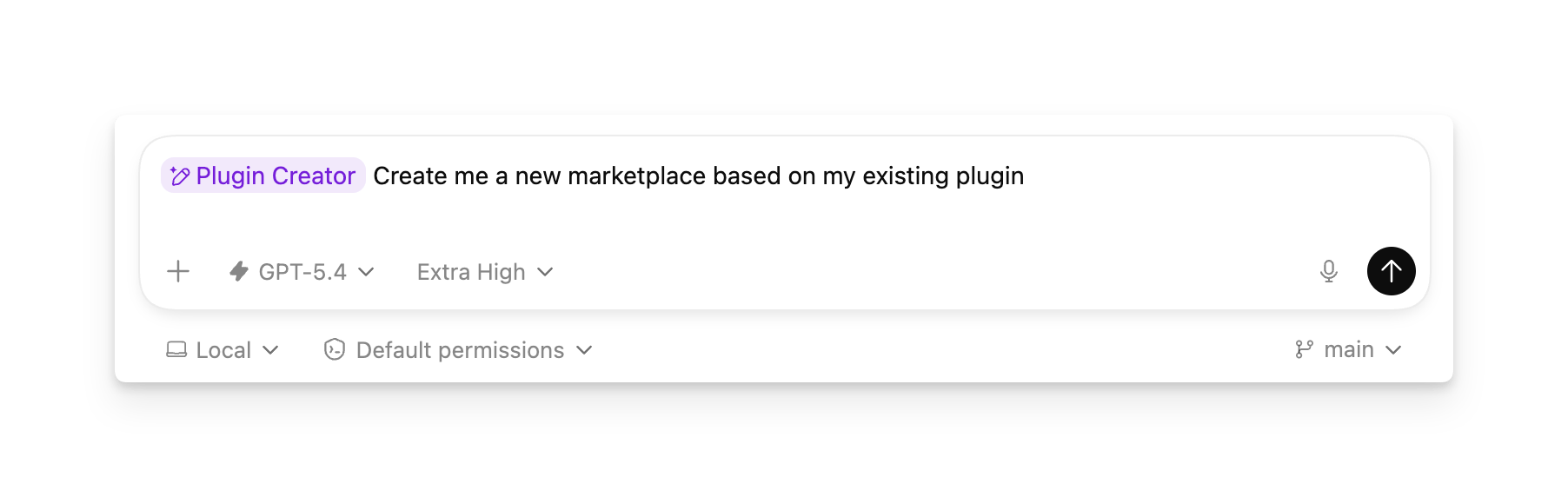
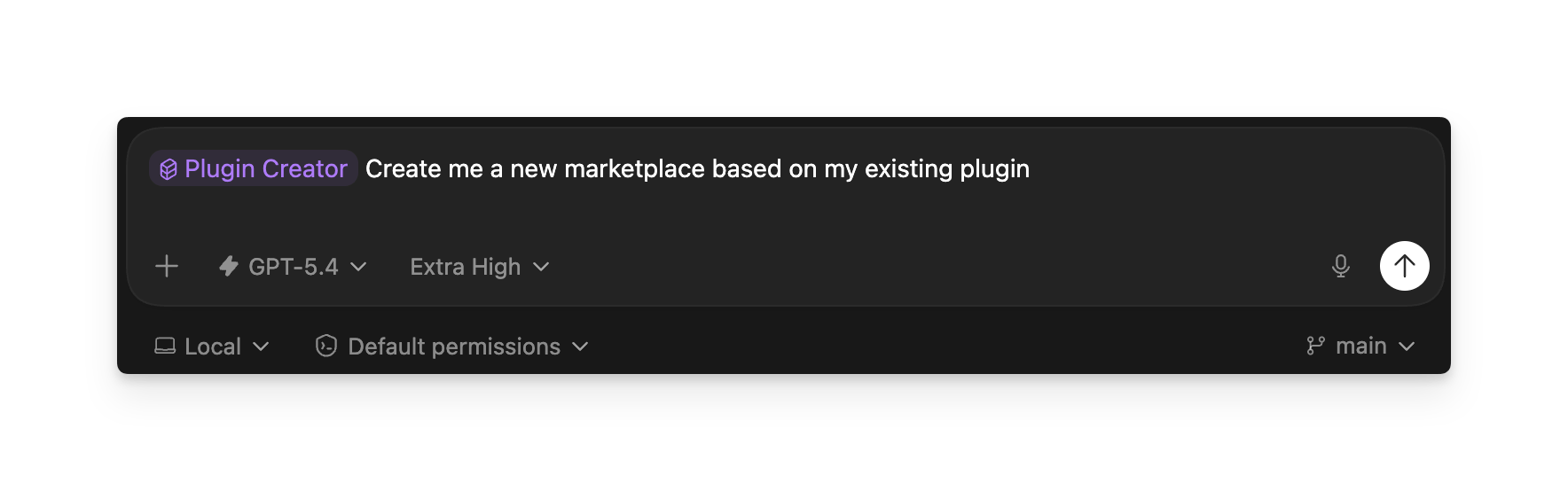
For the fastest setup, use the built-in `@plugin-creator` skill in ZeroTwo Work
mode or `$plugin-creator` in ZeroCode.
 Describe the outcome, the skills or MCP server to include, and whether you want
a local marketplace entry for testing. For example:
```text theme={null}
@plugin-creator Create a plugin named meeting-follow-up.
Include a skill that turns meeting notes into decisions, owners, and next steps.
Add it to a personal marketplace so I can test it locally.
```
The skill creates the required `.codex-plugin/plugin.json` manifest, organizes
the plugin folder, and can add the plugin to a local marketplace.
Describe the outcome, the skills or MCP server to include, and whether you want
a local marketplace entry for testing. For example:
```text theme={null}
@plugin-creator Create a plugin named meeting-follow-up.
Include a skill that turns meeting notes into decisions, owners, and next steps.
Add it to a personal marketplace so I can test it locally.
```
The skill creates the required `.codex-plugin/plugin.json` manifest, organizes
the plugin folder, and can add the plugin to a local marketplace.
 After it finishes:
1. Review `.codex-plugin/plugin.json`.
2. Check each bundled skill under `skills/`.
3. Refresh ZeroTwo or ZeroCode and install the plugin from its local marketplace
source.
4. Test the plugin in a new conversation with representative requests.
If the plugin includes an MCP server, first build and test that server, then
give `@plugin-creator` the registered connection details. Follow the complete
[MCP server workflow](https://developers.zerotwo.ai/plugins/build/mcp-server)
for tools, authentication, deployment, and testing.
## Create a skills-only plugin manually
A minimal plugin contains a manifest and at least one skill:
```text theme={null}
meeting-follow-up/
├── .codex-plugin/
│ └── plugin.json
└── skills/
└── meeting-follow-up/
└── SKILL.md
```
Create `.codex-plugin/plugin.json`:
```json theme={null}
{
"name": "meeting-follow-up",
"version": "1.0.0",
"description": "Turn meeting notes into decisions and next steps",
"skills": "./skills/"
}
```
Then add `skills/meeting-follow-up/SKILL.md`:
```md theme={null}
---
name: meeting-follow-up
description: Extract decisions, owners, and next steps from meeting notes.
---
Review the meeting notes. Return:
1. Decisions
2. Action items with owners
3. Open questions
```
Use a stable plugin name in kebab case. Keep the skill description specific
enough for ZeroTwo and ZeroCode to recognize when the workflow applies.
Use `@plugin-creator` to add the folder to a local marketplace, then install and
test it before sharing it.
## Continue with the builder documentation
For complete builder documentation, use the
[Plugins documentation](https://developers.zerotwo.ai/plugins/). It covers:
* [Plugin architecture](https://developers.zerotwo.ai/plugins/concepts/plugins)
* [Building skills](https://developers.zerotwo.ai/plugins/build/skills)
* [Building an MCP server](https://developers.zerotwo.ai/plugins/build/mcp-server)
* [Adding optional UI](https://developers.zerotwo.ai/plugins/build/chatgpt-ui)
* [Packaging a plugin](https://developers.zerotwo.ai/plugins/build/plugins)
* [Testing a plugin](https://developers.zerotwo.ai/plugins/deploy/connect-chatgpt)
* [Submitting and publishing](https://developers.zerotwo.ai/plugins/deploy/submission)
To browse, install, enable, or remove plugins, see [Use
plugins](/plugins).
After it finishes:
1. Review `.codex-plugin/plugin.json`.
2. Check each bundled skill under `skills/`.
3. Refresh ZeroTwo or ZeroCode and install the plugin from its local marketplace
source.
4. Test the plugin in a new conversation with representative requests.
If the plugin includes an MCP server, first build and test that server, then
give `@plugin-creator` the registered connection details. Follow the complete
[MCP server workflow](https://developers.zerotwo.ai/plugins/build/mcp-server)
for tools, authentication, deployment, and testing.
## Create a skills-only plugin manually
A minimal plugin contains a manifest and at least one skill:
```text theme={null}
meeting-follow-up/
├── .codex-plugin/
│ └── plugin.json
└── skills/
└── meeting-follow-up/
└── SKILL.md
```
Create `.codex-plugin/plugin.json`:
```json theme={null}
{
"name": "meeting-follow-up",
"version": "1.0.0",
"description": "Turn meeting notes into decisions and next steps",
"skills": "./skills/"
}
```
Then add `skills/meeting-follow-up/SKILL.md`:
```md theme={null}
---
name: meeting-follow-up
description: Extract decisions, owners, and next steps from meeting notes.
---
Review the meeting notes. Return:
1. Decisions
2. Action items with owners
3. Open questions
```
Use a stable plugin name in kebab case. Keep the skill description specific
enough for ZeroTwo and ZeroCode to recognize when the workflow applies.
Use `@plugin-creator` to add the folder to a local marketplace, then install and
test it before sharing it.
## Continue with the builder documentation
For complete builder documentation, use the
[Plugins documentation](https://developers.zerotwo.ai/plugins/). It covers:
* [Plugin architecture](https://developers.zerotwo.ai/plugins/concepts/plugins)
* [Building skills](https://developers.zerotwo.ai/plugins/build/skills)
* [Building an MCP server](https://developers.zerotwo.ai/plugins/build/mcp-server)
* [Adding optional UI](https://developers.zerotwo.ai/plugins/build/chatgpt-ui)
* [Packaging a plugin](https://developers.zerotwo.ai/plugins/build/plugins)
* [Testing a plugin](https://developers.zerotwo.ai/plugins/deploy/connect-chatgpt)
* [Submitting and publishing](https://developers.zerotwo.ai/plugins/deploy/submission)
To browse, install, enable, or remove plugins, see [Use
plugins](/plugins).